-
[김영한 스프링] 06. 타임리프 기본 기능 - 속성 값 설정 & 반복Spring/스프링 MVC 2편 - 백엔드 웹 개발 활용 기술 2023. 7. 26. 23:47
속성 값 설정
타임리프 태그 속성(Attribute)
타임리프는 주로 HTML 태그에 th:* 속성을 지정하는 방식으로 동작한다. th:*로 속성을 적용하면 기존 속성을 대체한다. 기존 속성이 없으면 새로 만든다.
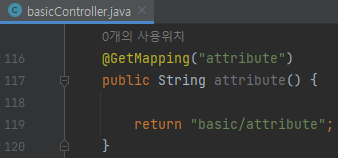
BasicController 추가
    @GetMapping("attribute")
    public String attribute() {

        return "basic/attribute";
    }
attribute.html
<!DOCTYPE html><html xmlns:th="http://www.thymeleaf.org">
<head>
    <meta charset="UTF-8">
    <title>Title</title>
</head>
<body>

<h1>속성 설정</h1>
<input type="text" name="mock" th:name="userA" />

<h1>속성 추가</h1>
- th:attrappend = <input type="text" class="text" th:attrappend="class=' large'" /><br/>
- th:attrprepend = <input type="text" class="text" th:attrprepend="class='large '" /><br/>
- th:classappend = <input type="text" class="text" th:classappend="large" /><br/>

<h1>checked 처리</h1>
- checked o <input type="checkbox" name="active" th:checked="true" /><br/>
- checked x <input type="checkbox" name="active" th:checked="false" /><br/>
- checked=false <input type="checkbox" name="active" checked="false" /><br/>
</body>
</html>
main/resources/templates/basic/attribute.html 생성
속성 설정
th:* 속성을 지정하면 타임리프는 기존 속성을 th:*로 지정한 속성으로 대체한다. 기존 속성이 없다면
새로 만든다.<input type="text" name="mock" th:name="userA" />
-> 타임리프 렌더링 후 <input type="text" name="userA" />
속성 추가
th:attrappend : 속성 값의 뒤에 값을 추가한다.
th:attrprepend : 속성 값의 앞에 값을 추가한다.
th:classappend : class 속성에 자연스럽게 추가한다.
checked 처리
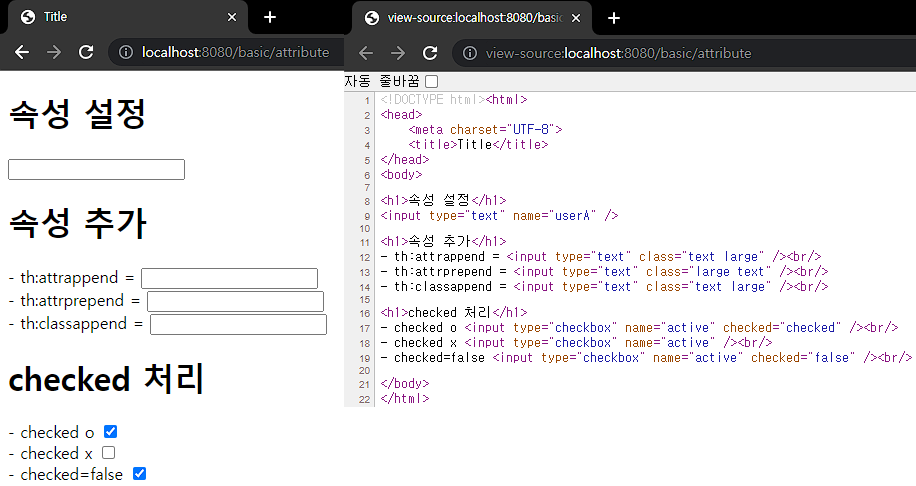
HTML에서는 <input type="checkbox" name="active" checked="false" /> -> 이 경우에도 checked 속성이 있기 때문에 checked 처리가 되어버린다.
HTML에서 checked 속성은 checked 속성의 값과 상관없이 checked라는 속성만 있어도 체크가 된다. 이런 부분이 true, false값을 주로 사용하는 개발자 입장에서는 불편하다.
타임리프의 th:checked는 값이 false인 경우 checked 속성 자체를 제거한다.
<input type="checkbox" name="active" th:checked="false" />
타임리프 렌더링 후: <input type="checkbox" name="active" />
실행
반복
타임리프에서 반복은 th:each를 사용한다. 추가로 반복에서 사용할 수 있는 여러 상태 값을 지원한다.
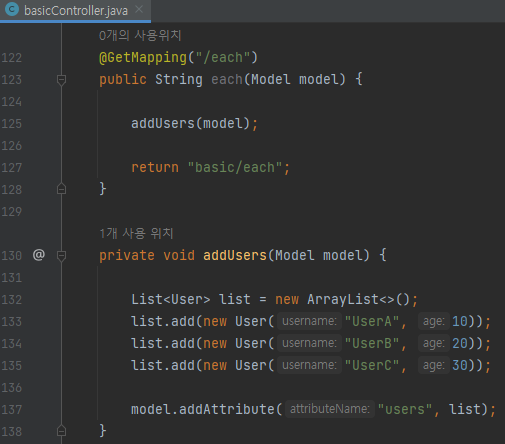
BasicController 추가
    @GetMapping("/each")
    public String each(Model model) {

        addUsers(model);

        return "basic/each";
    }

    private void addUsers(Model model) {

        List<User> list = new ArrayList<>();
        list.add(new User("UserA", 10));
        list.add(new User("UserB", 20));
        list.add(new User("UserC", 30));

        model.addAttribute("users", list);
    }
each.html
<!DOCTYPE html><html xmlns:th="http://www.thymeleaf.org">
<head>
    <meta charset="UTF-8">
    <title>Title</title>
</head>
<body>
<h1>기본 테이블</h1>
<table border="1">
    <tr>
        <th>username</th>
        <th>age</th>
    </tr>
    <tr th:each="user : ${users}">
        <td th:text="${user.username}">username</td>
        <td th:text="${user.age}">0</td>
    </tr>
</table>

<h1>반복 상태 유지</h1>

<table border="1">
    <tr>
        <th>count</th>
        <th>username</th>
        <th>age</th>
        <th>etc</th>
    </tr>
    <tr th:each="user, userStat : ${users}">
        <td th:text="${userStat.count}">username</td>
        <td th:text="${user.username}">username</td>
        <td th:text="${user.age}">0</td>
        <td>
            index = <span th:text="${userStat.index}"></span>
            count = <span th:text="${userStat.count}"></span>
            size = <span th:text="${userStat.size}"></span>
            even? = <span th:text="${userStat.even}"></span>
            odd? = <span th:text="${userStat.odd}"></span>
            first? = <span th:text="${userStat.first}"></span>
            last? = <span th:text="${userStat.last}"></span>
            current = <span th:text="${userStat.current}"></span>
        </td>
    </tr>
</table>

</body>
</html>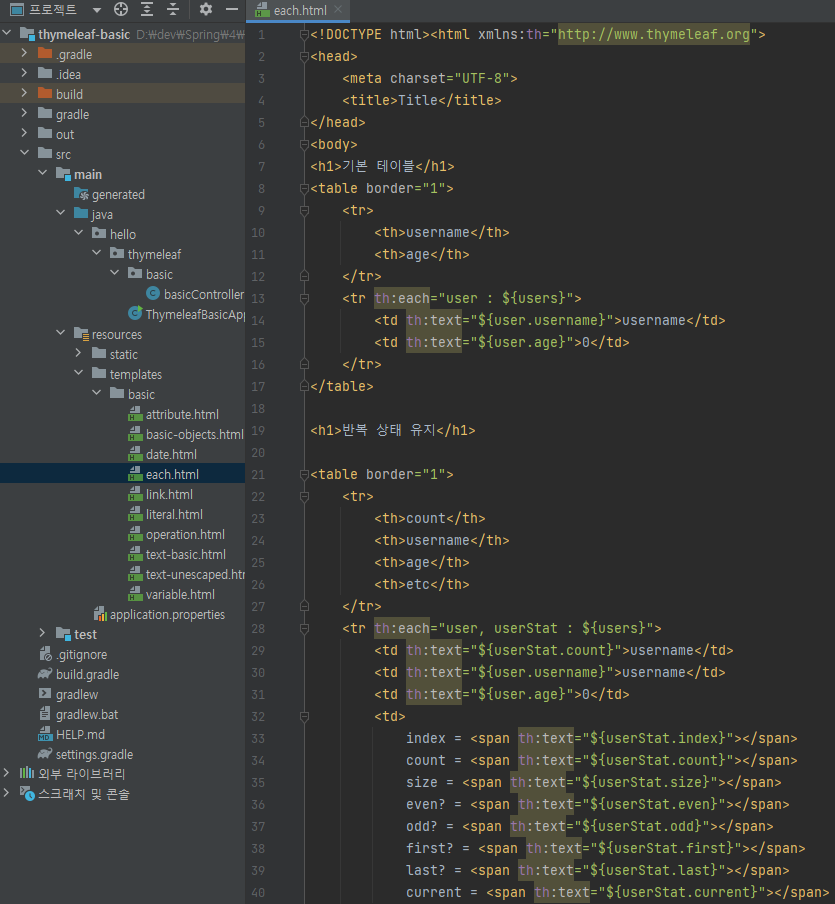
main/resources/templates/basic/each.html 생성
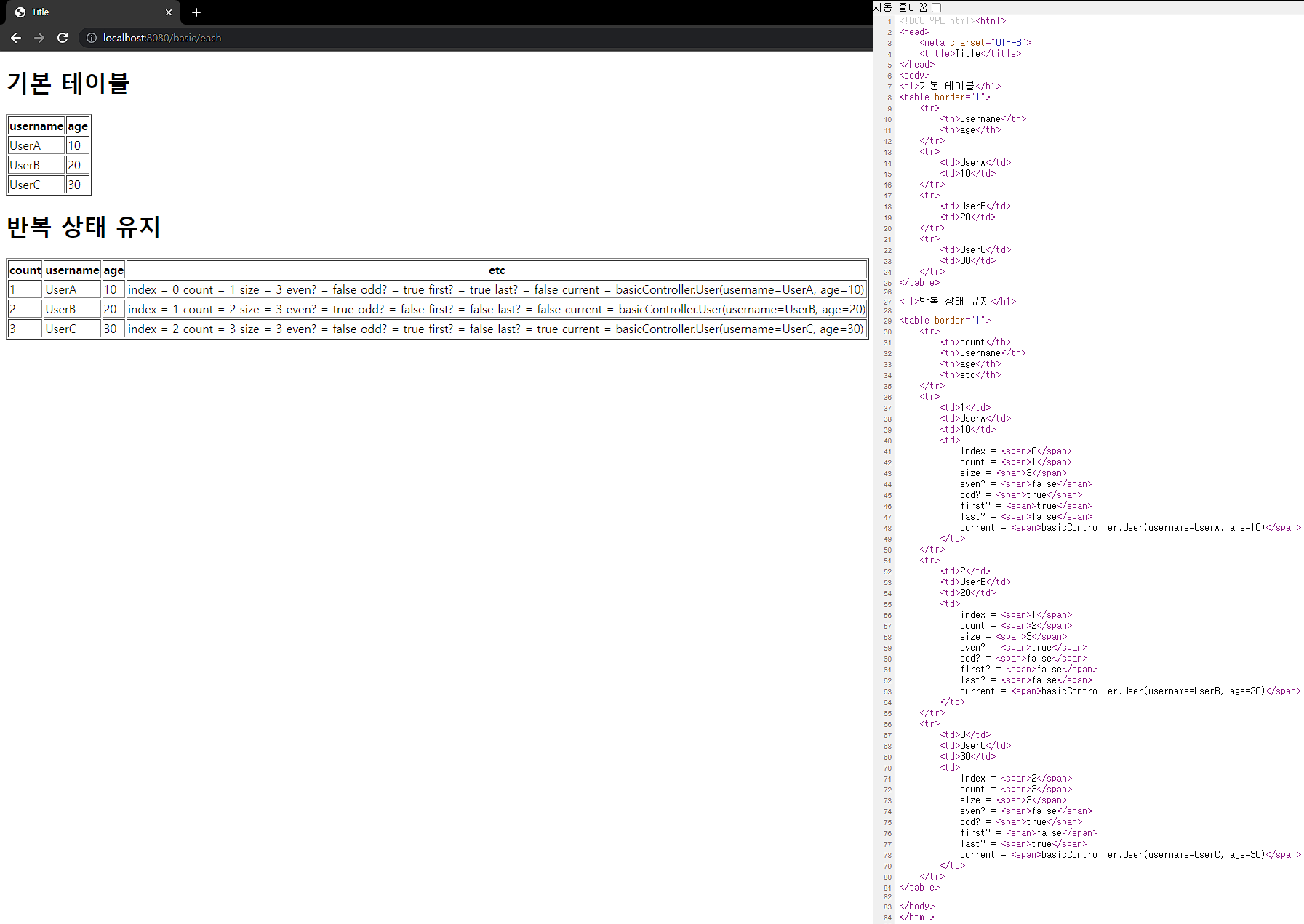
반복 기능
<tr th:each="user : ${users}">
- 반복 시 오른쪽 컬렉션(${users})의 값을 하나씩 꺼내서 왼쪽 변수(user)에 담아서 태그를 반복 실행합니다.
- th:each는 List 뿐만 아니라 배열, java.util.Iterable, java.util.Enumeration을 구현한 모든 객체를 반복에 사용할 수 있습니다. Map도 사용할 수 있는데 이 경우 변수에 담기는 값은 Map.Entry입니다.
반복 상태 유지
<tr th:each="user, userStat : ${users}">
반복의 두번째 파라미터를 설정해서 반복의 상태를 확인할 수 있습니다.
두번째 파라미터는 생략 가능한데, 생략하면 지정한 변수명(user) + Stat가 됩니다.
여기서는 user + Stat = userStat이므로 생략 가능합니다.
반복 상태 유지 기능
- index : 0부터 시작하는 값
- count : 1부터 시작하는 값
- size : 전체 사이즈
- even, odd : 홀수, 짝수 여부(boolean)
- first, last :처음, 마지막 여부(boolean)
- current : 현재 객체
실행
출처 : https://www.inflearn.com/course/%EC%8A%A4%ED%94%84%EB%A7%81-mvc-2
스프링 MVC 2편 - 백엔드 웹 개발 활용 기술 - 인프런 | 강의
웹 애플리케이션 개발에 필요한 모든 웹 기술을 기초부터 이해하고, 완성할 수 있습니다. MVC 2편에서는 MVC 1편의 핵심 원리와 구조 위에 실무 웹 개발에 필요한 모든 활용 기술들을 학습할 수 있
www.inflearn.com
'Spring > 스프링 MVC 2편 - 백엔드 웹 개발 활용 기술' 카테고리의 다른 글
[김영한 스프링] 08. 타임리프 기본 기능 - 자바스크립트 인라인 (0) 2023.08.11 [김영한 스프링] 07. 타임리프 기본 기능 - 조건부 평가 & 주석 & 블록 (0) 2023.08.11 [김영한 스프링] 05. 타임리프 기본 기능 - 리터럴(Literals) & 연산 (0) 2023.07.26 [김영한 스프링] 04. 타임리프 기본 기능 - 유틸리티 객체와 날짜 & URL 링크 (0) 2023.07.26 [김영한 스프링] 03. 타임리프 기본 기능 - 변수(SpringEL) & 기본 객체들 (0) 2023.07.26